Your email will go down for a day at some point. Write the one-page plan now
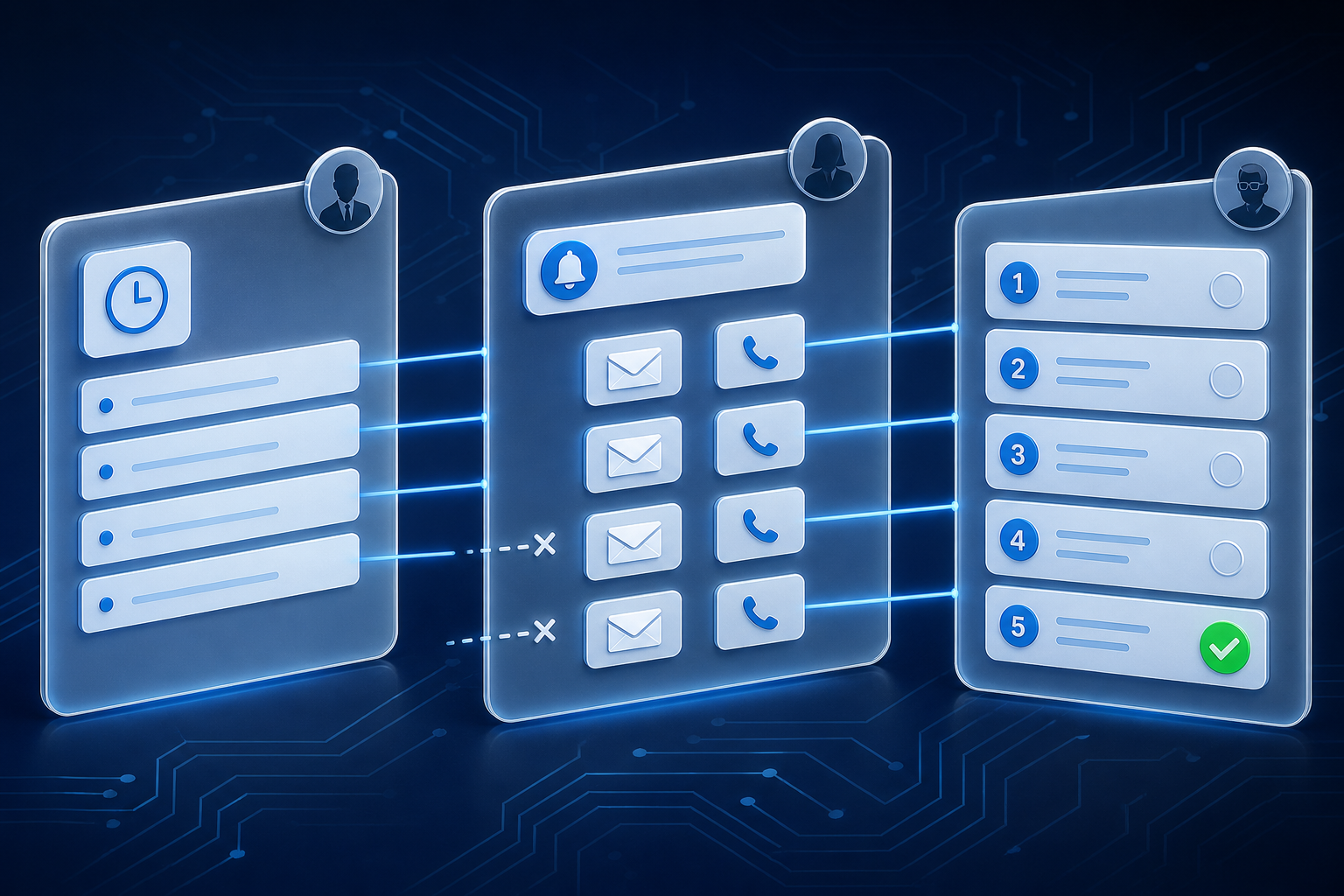
Email goes down. The phones still work and nothing feels urgent for the first hour. Then a customer calls to ask why their booking confirmation never arrived.
In most small businesses, email and the shared calendar carry far more than messages. Customer requests, booking confirmations, invoices, payment reminders, login codes and automations all run through the same system. When it stops for a day, much of the business stops with it. When it comes back, delayed mail lands hours late and out of order. Some messages get answered twice. Automations that ran during the outage quietly skipped work or did it twice.
The outage is the provider's problem. The day it happens is yours. A one-page plan covers both.
List what actually runs through email and calendar
Start with a normal week. Write down everything that arrives or leaves by email:
- Requests. Customer and supplier questions, orders and changes.
- Bookings and billing. Online booking links and their confirmations, invoices and payment reminders.
- Logins and automations. Any account that sends a sign-in code by email, and any automation that sends, reads or files mail.
Owners usually forget the last two. They cause most of the trouble afterwards.
Set up three things before the day comes
None of these take more than an hour.
- Backup channels. One way to reach customers and one way to reach staff that does not run through email. A phone line and a group text are enough.
- An offline list. Key contacts and the next two days of appointments, kept somewhere that does not depend on the same login.
- One decider. A named person who decides when the plan starts. Without one, everyone waits for someone else.
What to do while email is down
Tell customers first. Post a short notice where they will look: the website, the phone greeting and the voicemail. One sentence is enough. Email is delayed, so call for anything urgent.
Take urgent requests by phone into one shared list. One list, not five notebooks.
Stop the workarounds. Re-sending the same message adds to the pile that lands later. Private fixes, such as a personal account, scatter customer requests where nobody else can find them.
The checks to run once it comes back
Recovery is where the second round of mistakes happens.
- Sort before replying. Sort delayed mail by the time it was sent, not the time it arrived. Read the whole thread before replying, so nobody answers twice.
- Check every automation. List each one that should have run during the window. Look for work it skipped and work it did twice.
- Confirm bookings. Check that bookings and calendar invites made that day actually arrived.
Example: a 10-person insurance brokerage loses a day of email
A 10-person insurance brokerage handles certificate requests, renewals and client questions almost entirely by email. Clients book review calls through an online booking link. An automation sends renewal reminders.
Its email is down for most of a working day. Certificate requests sit unseen. The booking link sends no confirmations. When service returns, a full day of delayed mail lands at once. Two staff reply to the same client. The renewal reminder automation sends a batch of reminders twice.
A one-page plan would have put a notice on the phone greeting. It would have logged urgent requests by phone in one place. It would have listed the reminder automation as the first thing to check after recovery. Each of those is a five-minute step, written down before it is needed.
Keep it to one page, give it an owner, walk through it once a year
The plan is not a binder. If it runs past one page, nobody reads it on the bad day.
Name one owner for the plan and for the after-outage check. It can be the same person.
Test it once a year. Walk through it as a team for ten minutes: who decides, where the notice goes, where the list lives and which automations get checked first. Update anything that changed. If a tool on the list has changed or gone away since the last walk-through, use the guide on what to do before a platform your business depends on changes.
Keep exploring
A list of every request, login and automation that runs through email is a clear first look at how your business actually works. To take that further, start the AI Readiness Audit or contact FIT.