More AI tools now bill by use. Set a monthly limit before the first bill arrives
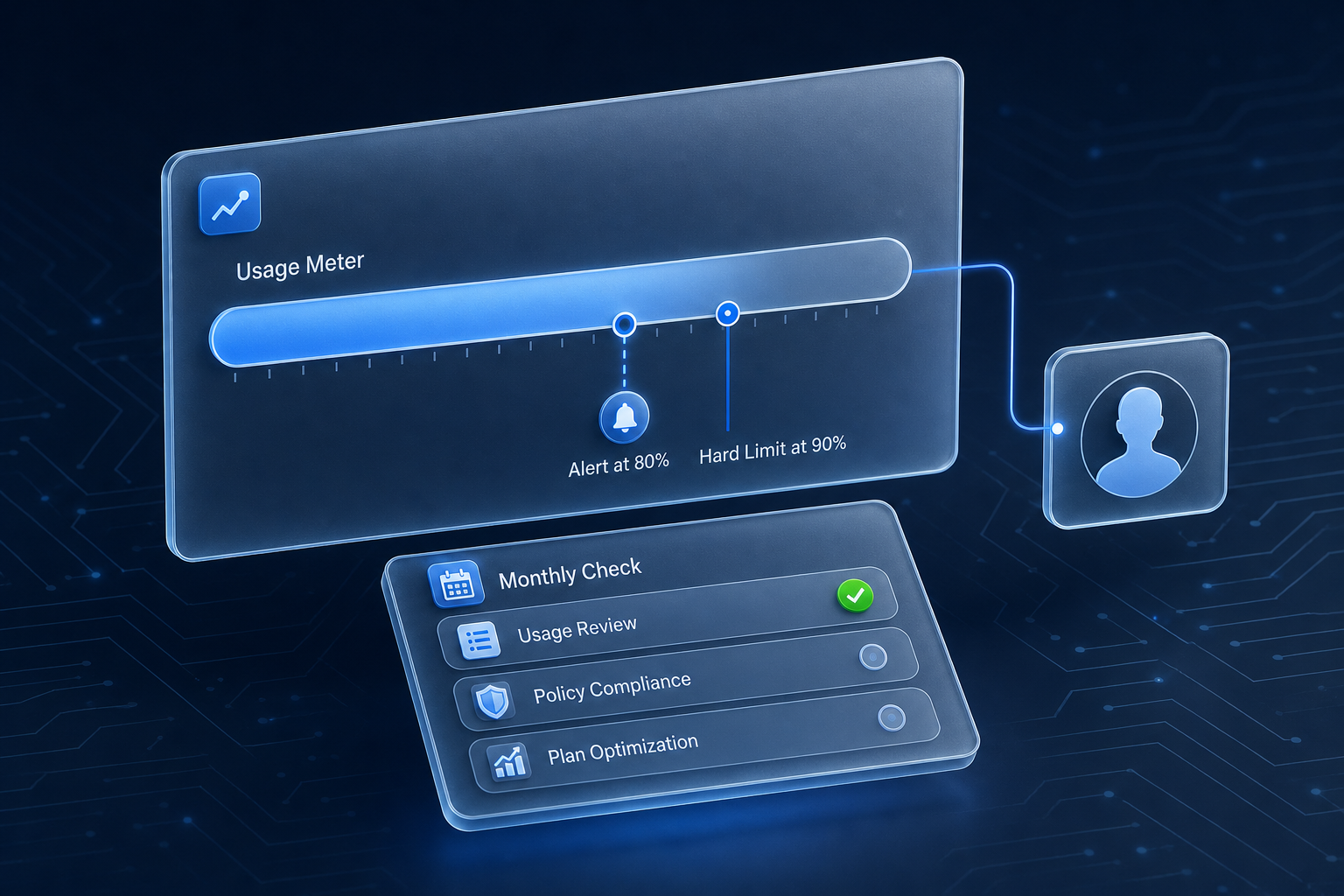
A flat subscription has a ceiling. The bill is the same whether the team uses the tool twice or two thousand times. Usage billing has no ceiling unless someone sets one.
More AI features now charge by use: per message, per document, per credit or per action. Some business plans switch this on by default for new purchases. In a small business, the person driving the usage is rarely the person who sees the bill. So the first sign of trouble is an invoice several times larger than expected, or a feature that stops partway through the month.
This post is the setup. Find the tools, set three settings, pick the numbers, name an owner, check once a month.
What a month with no limit looks like
A 14-person logistics brokerage adds an AI add-on to its email system. It drafts replies to carrier and customer messages, billed per draft. In a busy month, two dispatchers start using it on every message. That includes long threads, which it re-reads each time. Nobody set a limit. The office manager pays the bill but sees no usage until the invoice arrives. The month comes in at several times the usual charge.
Nobody did anything wrong. The dispatchers used a tool that helped. The office manager paid what was billed. No one owned the number in between.
Find the tools that bill by use
Open the billing or plan page of each tool the business pays for. Look for words such as credits, usage, overage or pay as you go. Check add-ons and new purchases, not only existing plans. A plan that was flat last year can carry a usage-billed feature today.
This is not a reason to avoid usage billing. When use is light, billing by use can cost less than paying for seats. The goal is a known ceiling, not a flat fee.
Write the list down. It takes one pass.
The three settings to find in each tool
For each usage-billed tool, find three things:
- A hard spending limit. The point where usage stops or needs approval.
- An alert at a lower level. A warning before the limit, while there is still time to decide.
- Who receives that alert. A named person, not a shared inbox nobody reads.
An alert sent to whoever set up the account two years ago goes nowhere.
Pick the numbers from a normal month
Start from a normal month's usage. Set the alert near that level. Set the hard limit a little above it. Then write one line on what the business does when the alert fires.
A record to copy for each tool:
- Tool and use: what it does and who uses it.
- Alert and limit: the two levels, taken from a normal month.
- When the alert fires: for example, "The owner checks usage that day and decides whether to raise the limit for the rest of the month."
A busy month will trip the alert. That is the point. The alert starts a decision, not a shutdown.
Give each tool one named owner
One named person per tool watches the alert. That person decides whether to raise the limit. In the brokerage, that could be the office manager, with a direct line to the dispatch lead.
The people driving the usage hear about it when the alert fires. They should not find out when drafts stop working mid-shift. A short message is enough: usage is high, and here is the plan for the rest of the month.
A short monthly check, and when to wait
Once a month, the owner compares two things: what the tool cost that month, and the work it removed. Fewer hours on replies. Faster answers to carriers. Fewer missed messages. If the cost rises and the work removed does not, narrow the use. For the brokerage, that might mean drafts on new messages only, not on long threads.
Some tools offer no spending limit at all. That is a reason to keep their use narrow, or to wait until they do.
A few minutes a month. One owner. No surprise invoice.
Keep exploring
This setup pairs well with budgeting for AI per outcome rather than per seat. To put owners and approvals around the tools the business already pays for, start the AI Readiness Audit or contact FIT.