Most late invoices are a follow-up problem, not a customer problem
It is month end and cash is tight. Someone opens the overdue list and starts calling. Half the calls end the same way: "We never got that," or "We can't approve it without a reference number."
Nobody refused to pay. The invoice was incomplete, went to the wrong person, or nobody followed up. That is a process gap, not a customer problem. It is cheap to close: check each invoice before it goes out, write the reminder schedule once, and keep a named person on anything that needs judgment.
Why invoices go late when nobody refuses to pay
Most late invoices stall for one of four reasons:
- It went to the wrong contact.
- It is missing the purchase order or job reference the customer needs before anyone can approve it.
- It does not say clearly what work it covers.
- No reminder ever arrives.
Chasing is unpleasant, so it happens in bursts. Some invoices get three calls. Others get none until it is too late to matter.
Check every invoice before it goes out
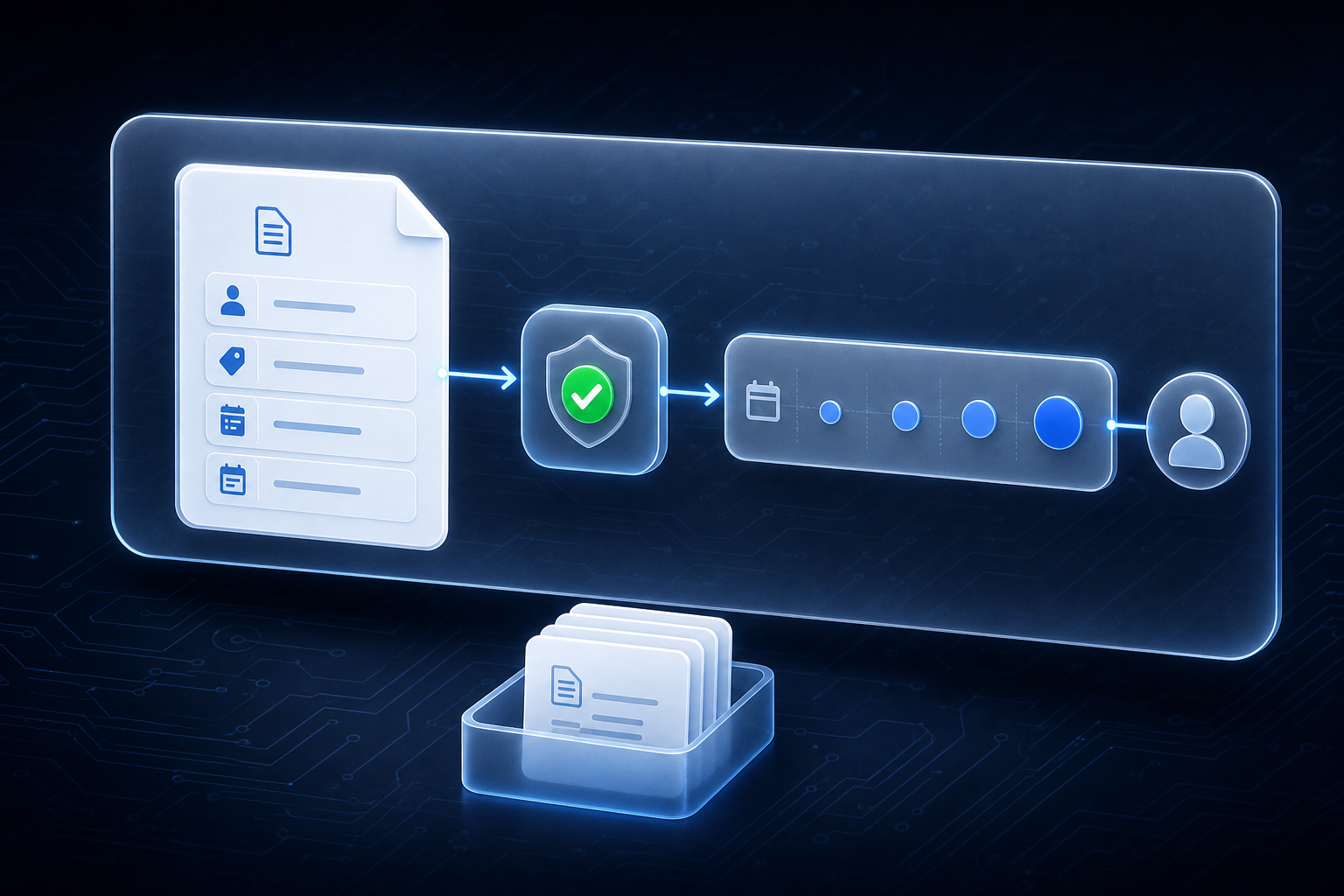
The safest first automation checks rather than does. With invoices, that means confirming five things before an invoice is sent:
- The right billing contact.
- The customer's reference or purchase order number.
- A plain description of the job or service.
- The due date.
- How to pay.
If any one is missing, the invoice waits until someone fixes it. An invoice that goes out complete is one less invoice to chase later.
Write the reminder schedule once, in plain words
Decide the schedule one time and write it down. For example:
- A friendly note a few days before the due date.
- A short note on the due date.
- A follow-up one week after.
- At two weeks, a phone call from a named person, not another email.
Keep every message polite and specific. Name the invoice, the amount and the job. Once the schedule is written, the reminders go out on time every time, whether or not anyone remembers to send them.
Where the automation stops and a named person takes over
The automation sends the routine reminders. It stops the moment a payment arrives. It also stops the moment a customer replies, whether with a question or a dispute.
A named person takes over:
- Every dispute.
- Every long-standing customer the owner prefers to call personally.
- Everything past the two-week phone call.
The automation does the routine follow-up. A person handles anything that needs judgment.
A 7-person electrical contractor makes two changes
A 7-person electrical contractor invoices commercial and residential jobs as each job closes. The office administrator chases overdue invoices by phone when she finds time, usually at month end. Several commercial customers hold invoices because the customer's purchase order number is missing. Nobody learns this until weeks later.
The contractor makes two changes. Before an invoice goes out, someone checks that it has a purchase order number and the right billing contact. Then the written schedule sends the routine reminders automatically. The administrator makes the two-week calls and answers any customer who replies with a question.
Start with drafts, then check two things after a month
For the first few weeks, every reminder goes out as a draft. Someone glances at it before it sends. That catches a wrong amount or an awkward tone before a customer sees it.
After a month, the owner checks two things:
- Are fewer invoices past due?
- Are fewer hours going to chasing?
If both answers are yes, keep the schedule. If not, adjust the wording or timing, not the whole system.
Keep exploring
If you want to find where follow-up work is costing your business time, start the AI Readiness Audit or contact FIT.