Nobody in your business decided to use that AI. Your software did.
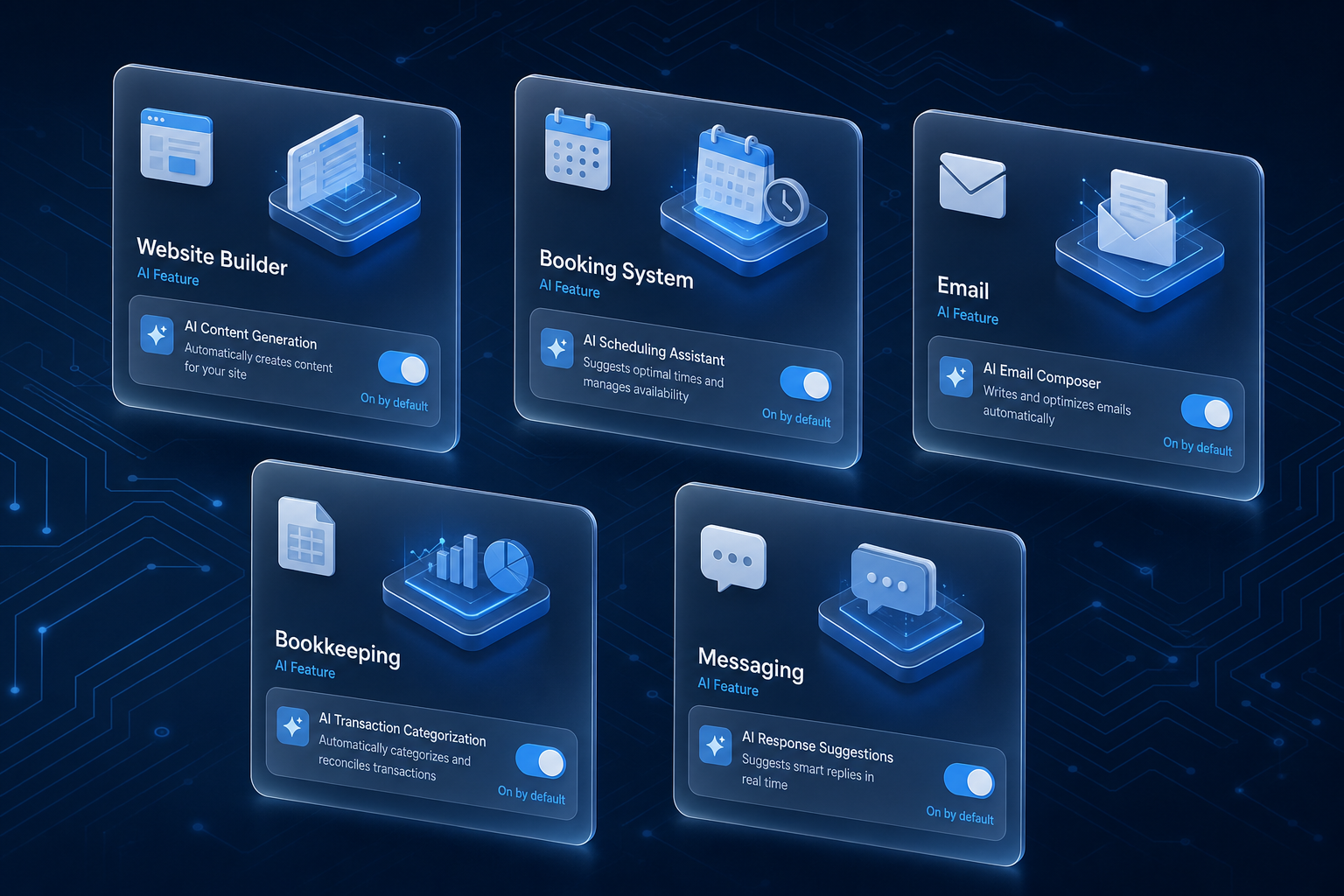
Most of the AI in your business arrived without anyone deciding to use it.
Owners still picture AI adoption as a request. Someone asks for a tool, and someone says yes or no. That is no longer how it usually happens. AI shows up in an update to the website builder, the booking system, the bookkeeping package or the inbox, and much of it is on by default. Some of it only suggests. Some of it acts: it answers customer messages, confirms bookings, sends reminders and recategorises transactions.
The approval step that quietly disappeared
AI used to come through a request you could approve or refuse. That request was your control point, even if you never called it one.
Now the vendor makes the adoption call in a release note nobody reads. The feature is live before anyone inside the business knows it exists. Nobody decided, so nobody owns what it does. It still speaks in your business's name from the first day.
Many of these features are useful. The gap is ownership, not the feature.
Suggests or acts is the only line that matters
The question is not "AI or no AI." The question is whether the feature suggests or acts.
A feature that drafts a reply for a person to review is low stakes. The person still decides what goes out. A feature that sends, books, replies or moves money in your name is a different decision. It is the same as letting a new hire do that job unsupervised on day one.
You would not let a new hire confirm customer appointments on their first morning with nobody checking. An assistant switched on by an update is doing exactly that.
A Saturday booking for a crew that works weekdays
Take a 12-person commercial landscaping company. Its scheduling software adds an assistant, on by default, that answers customer booking messages.
A property manager asks for a site visit. The assistant confirms Saturday. The crew does not work weekends. Nobody at the company sees the confirmation, because nobody knows the assistant exists.
The owner finds out when the customer calls to ask where the crew is. The feature did what it was built to do. Nobody had given it the business rules, and nobody was watching it.
Why it lands harder in a small firm
Many customers are still uneasy about dealing with a machine. In a large company, one odd automated reply gets lost in the volume.
In a firm of 2 to 25 people, the customer relationship usually belongs to the owner. They built it on phone calls and site visits. The first unexpected automated reply lands on that relationship, and the owner did not write it.
What I would keep switched off until someone says yes
I would keep any feature that can speak to a customer or touch money switched off until someone in the business has said yes to it by name.
That is a short conversation, not a project. Someone reads what the feature does, decides it fits, and accepts that it is theirs to watch. Features that only suggest can usually stay on while you look.
The fifteen-minute sweep
You can find most of these features in about fifteen minutes.
- List the four or five systems the business runs on.
- Open the settings in each one.
- Find every AI or assistant feature.
- Mark each one "suggests" or "acts."
- Put a named owner beside every feature that acts, or switch it off.
Repeat the sweep whenever a major update lands. Updates are where new features appear.
Your software made the adoption decision. Who owns it is still your call.
Keep exploring
If you want a second pair of eyes on what is already switched on in your systems and who should own it, contact FIT.