The safest automation to start with is one that checks, not one that does
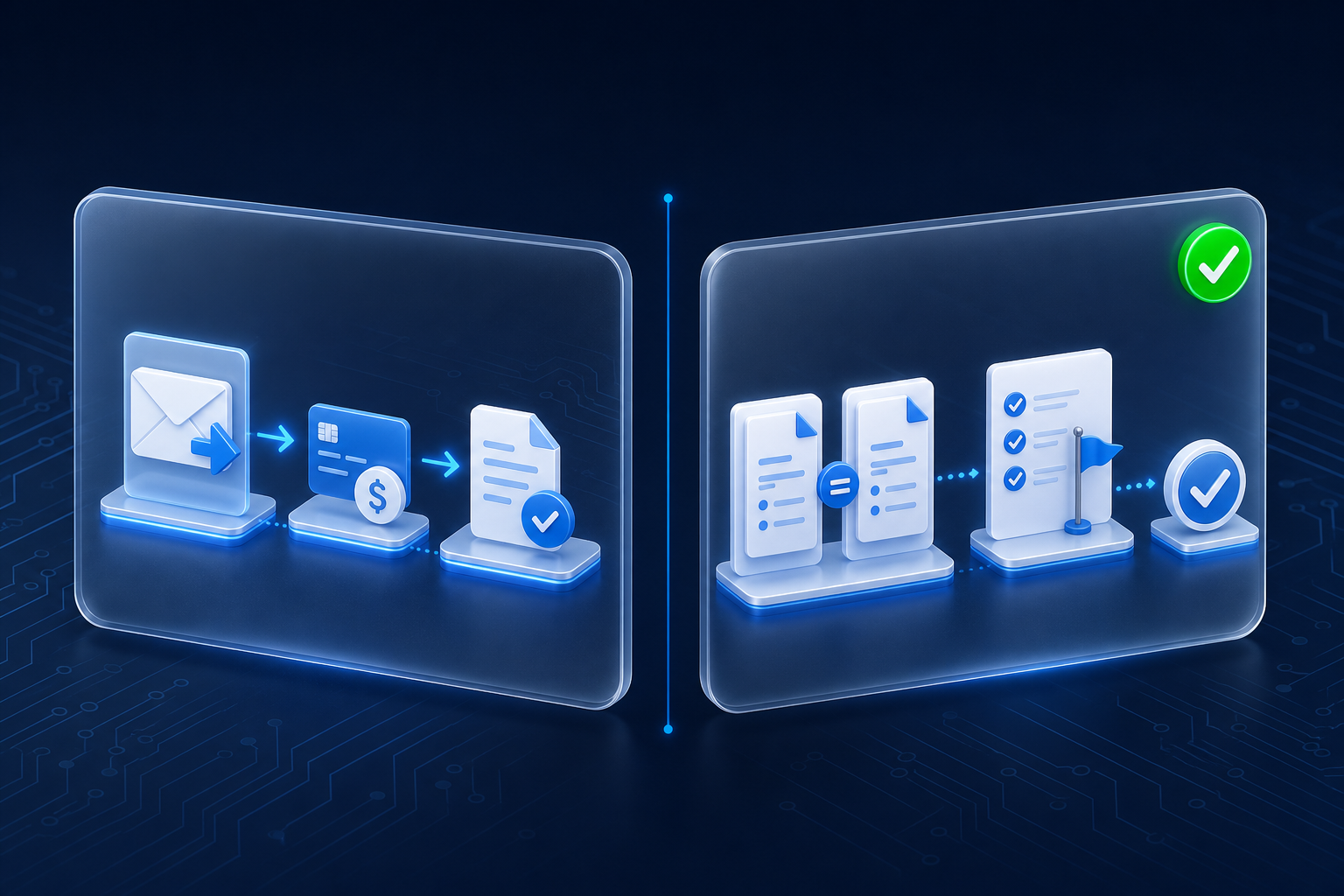
A small retailer with several locations set up one nightly check. It compared supplier invoices against what the stores actually received. In its first month, it caught a five-figure billing error.
Most first automations take a task off someone's plate, so a mistake lands on real work. A check does not do the work. It reads the work and raises a hand, which makes it the lowest-risk way to start.
This post shows the difference, four checks worth running, and how to keep one useful.
Two kinds of automation: one that does the work, one that checks it
A doing automation replaces a step a person was doing. It sends the invoice, books the appointment or updates the record. It inherits the risk of that step. If it goes wrong, it goes wrong on real work, in front of a customer.
A checking automation adds a step nobody was doing. It compares two lists that should match. It re-reads a quote against the price sheet. It flags an order three times the normal size.
Its only action is to tell a person.
Why a check is easier to trust than a doer
A check never sends, never pays and never commits. The worst failure is a missed catch. A missed catch leaves you exactly where you were before the check existed.
A doer is different. A doer that fails can email the wrong customer or pay the wrong amount. It needs an approval gate and a rollback before it runs.
A check needs one thing: a person who reads what it finds.
Four checks a small business could run this month
- Two records that should agree. Invoiced against delivered. Hours billed against hours logged. Nobody compares them because each lives in a different system.
- An outgoing document against its source of truth. A quote against the current price sheet. A contract against the agreed terms.
- An outlier on anything with a number in it. An order three times the normal size. A refund well above the usual range. A timesheet with 70 hours.
- A did-this-happen check. The backup that should have run. The follow-up email that should have gone out. People assume these completed. A check confirms it.
The retailer ran the first kind. Invoices and receiving records sat in two places, and nobody lined them up.
How to keep a check useful instead of noisy
Send it to a person, not a folder. A report nobody opens is not a check.
Say what it found and what to compare. "Invoice 4471 bills 40 cases. Receiving logged 28." The reader can confirm that in two minutes.
Watch how often it fires. A check that has not fired in two months is either wrong or pointed at a problem you do not have. Feed it a known mismatch. If it still stays quiet, fix it or retire it.
Why a check makes the best first project
A check earns trust before you hand anything over. The team sees what it catches. The owner sees it flag real problems without touching real work.
The first real catch also arrives with a number attached. The retailer's billing error paid for the check many times over. That number makes the case for the next project, the one that does the work.
Start with a check. Let it prove itself. Then decide what to hand over.
Keep exploring
A did-this-happen check pairs well with why a success message is not proof an automation did anything. To find the records worth checking in your business, start the AI Readiness Audit or contact FIT.